
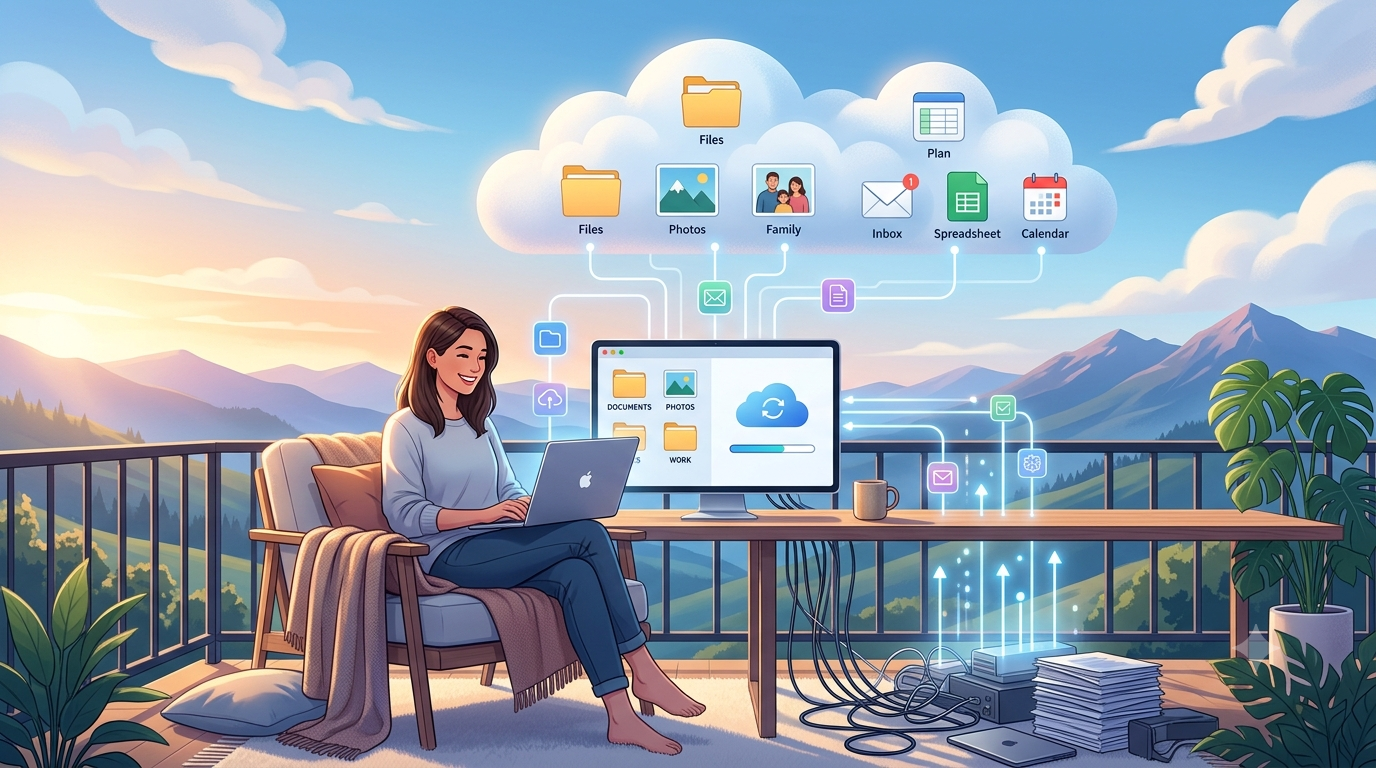
We live in an age where physical clutter has shifted into the digital realm. Overflowing email inboxes, thousands of unorganized smartphone photos, duplicate cloud files, and desktop screens covered in loose icons create an invisible layer of daily stress.
Transitioning to a streamlined, cloud-based workflow isn’t just about freeing up storage space—it’s about recovering your focus, time, and peace of mind. Here is your step-by-step guide to decluttering your digital life and making the cloud work seamlessly for you
1. Audit and Consolidate Your Cloud Storage
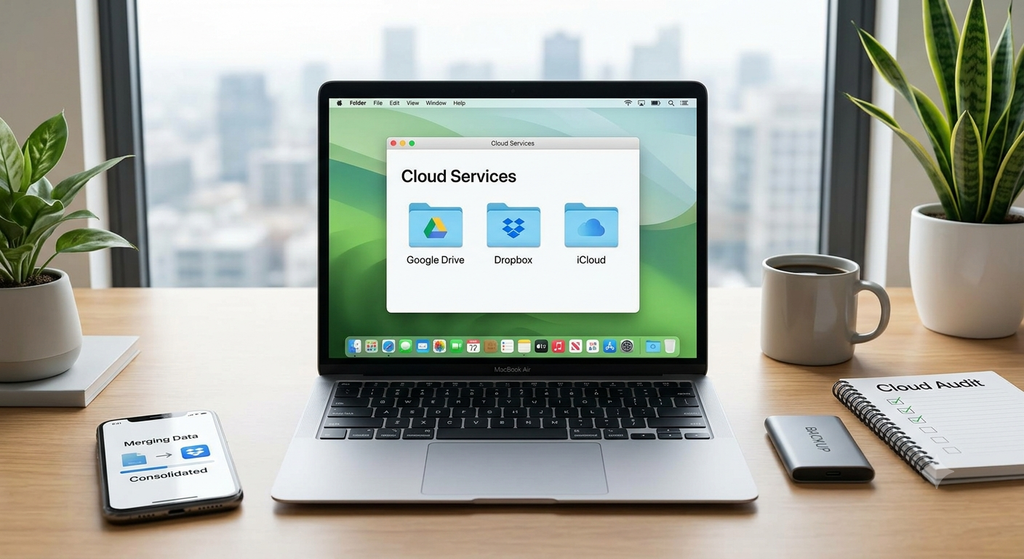
Having files scattered across Google Drive, Dropbox, iCloud, and OneDrive creates digital chaos. Pick one main platform (or two at most—one for personal, one for work) to serve as your single source of truth.
- Audit your current storage: Migrate important documents into your primary cloud service and delete redundant accounts.
- Adopt the “Para” Method: Structure your main drive into four high-level folders:
- Projects: Active tasks with deadlines.
- Areas: Ongoing responsibilities (e.g., Taxes, Health, Vehicle).
- Resources: Topics of interest or reference material.
- Archives: Inactive items from the other three categories.
2. Master the “Inbox Zero” Philosophy
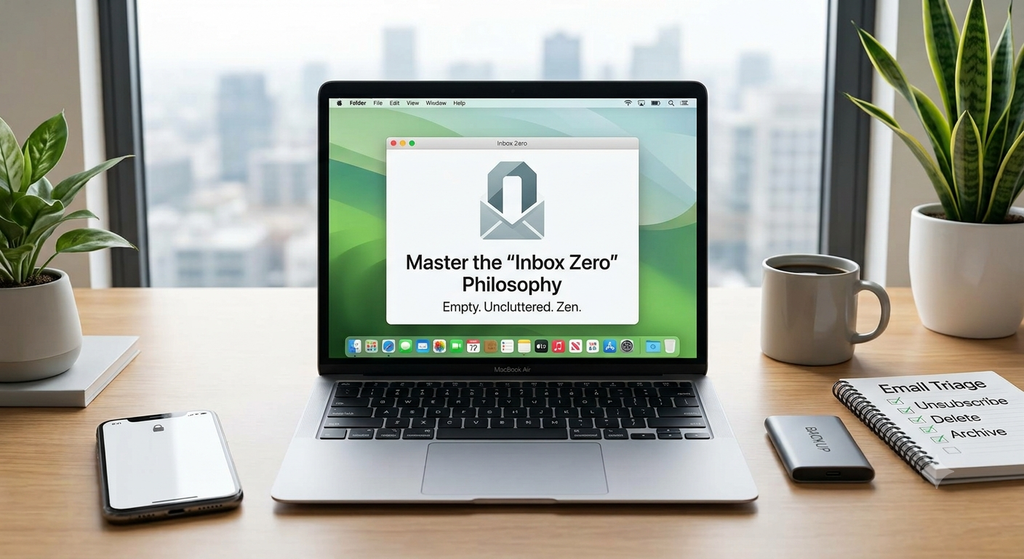
An inbox with thousands of unread emails creates mental fatigue every time you open your mail app.
- Unsubscribe aggressively: Use built-in unsubscribe buttons or tools like Clean Email to remove yourself from promotional lists you no longer read.
- Implement the 2-Minute Rule: If an email takes less than two minutes to answer, address it immediately. If it requires more time, move it to a “To Do” or “Action Needed” folder.
- Archive, don’t hoard: Once processed, archive the email. You can always find it using search when needed.
3. Streamline Your Media & Photo Libraries
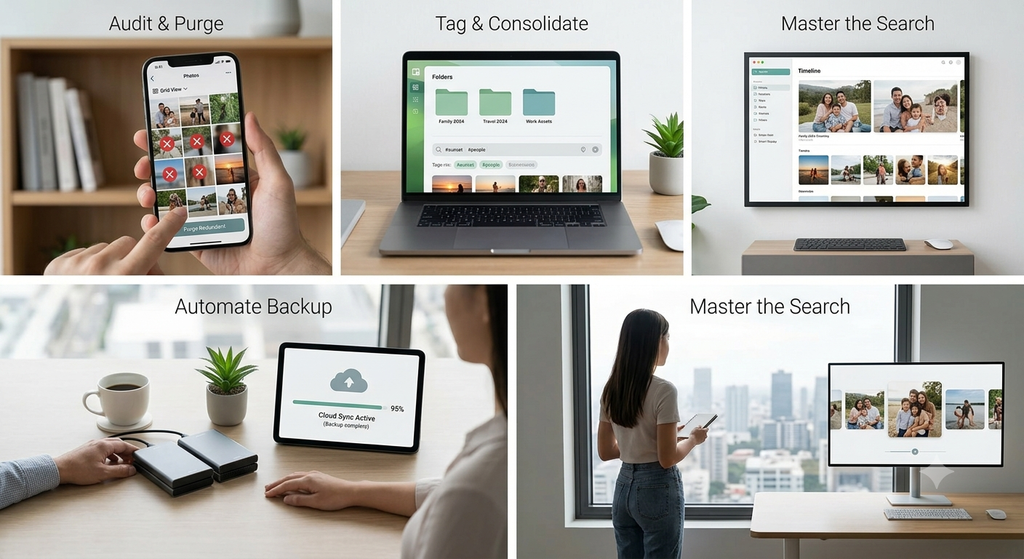
Photos and videos consume the largest portion of digital storage. Managing them requires automated habits:
- Enable Automatic Cloud Backup: Use Google Photos or Apple Photos to back up camera rolls automatically in the background.
- The “One-In, One-Out” Habit: Delete blurry shots, duplicate takeaways, and temporary screenshots at the end of every week.
- Use AI Search: Stop manually sorting photos into endless subfolders. Modern cloud services allow you to search by keyword (e.g., “receipts,” “dogs,” “beach 2024”) effortlessly.
Image Suggestion: Someone reviewing and decluttering their photo gallery on a modern smartphone.
4. Secure and Simplify with a Password Manager

Reusing passwords or writing them in random note apps is both a productivity bottleneck and a security risk.
Transition to a dedicated cloud-based password manager like 1Password, Bitwarden, or Dashlane. These tools autofill your credentials across all devices, generate ultra-secure passwords, and safely store sensitive notes and credit card details.
Quick Checklist: 15-Minute Daily Digital Maintenance
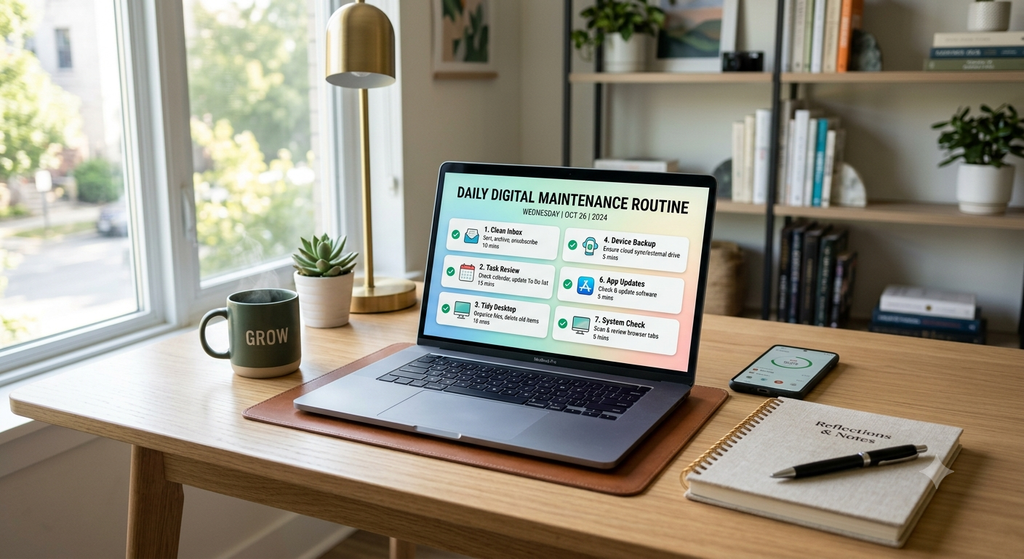
Implement this daily micro-routine to keep digital mess from building back up:
- [ ] Clear your
Downloadsfolder at the end of the day. - [ ] Empty your device Trash/Recycle Bin.
- [ ] Close unused browser tabs or save active groups to bookmarks.
- [ ] Unsubscribe from 3 unwanted newsletters daily.
Final Thoughts: Intentionality Over Storage Space
Living in the cloud isn’t about buying endless terabytes of storage—it’s about creating an intentional digital system where everything you need is accessible in seconds. Start small: pick one area today (like your email inbox or computer desktop) and apply these principles.
Share Your Thoughts!
How do you keep your digital life organized? What’s your biggest obstacle when decluttering your cloud files? Let us know in the comments below!