
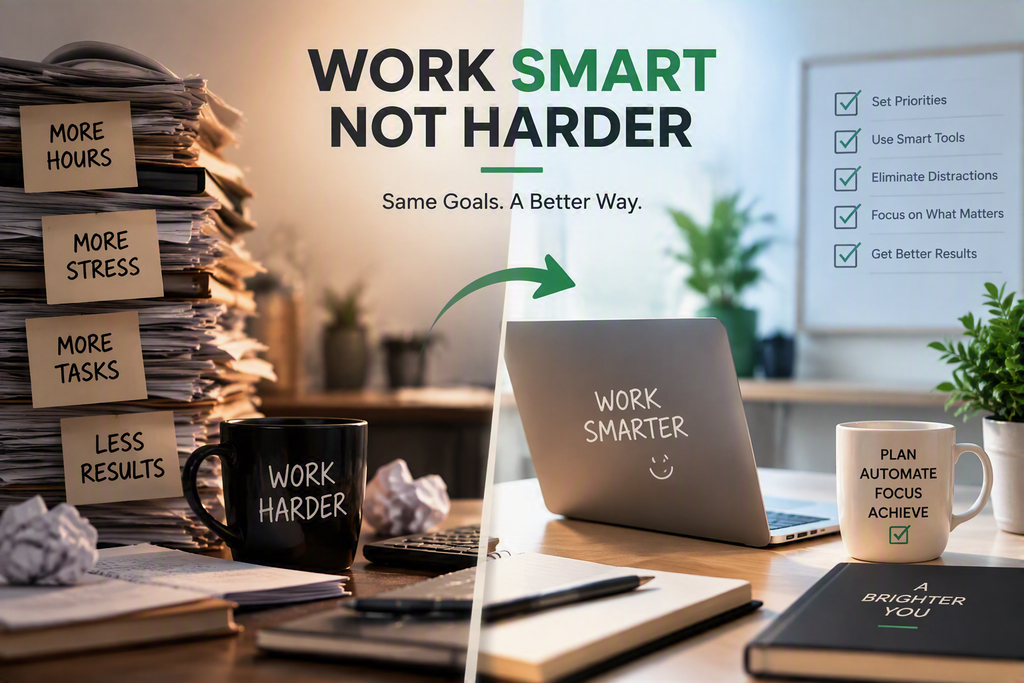
The modern workplace isn’t about who puts in the longest hours—it’s about who uses their time most effectively. If you find yourself buried under endless emails, manual data entry, and overlapping meetings, the problem isn’t your work ethic; it’s your tech stack.
By building a lean, intelligent toolkit, you can automate repetitive tasks, organize your brain, and focus on high-impact creative work. Here is the ultimate tech toolkit every professional needs to work smarter, not harder.
1. AI Co-Pilots: Your 24/7 Assistants
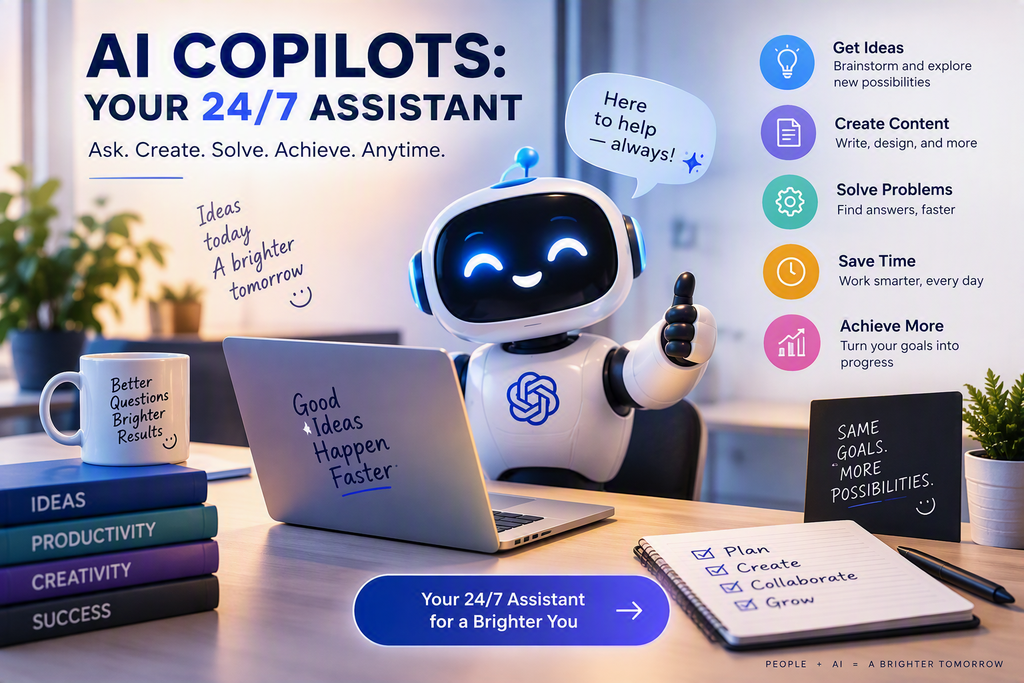
Artificial intelligence has moved from a novelty to a necessity. Instead of spending hours drafting initial outlines, summarizing long documents, or formatting spreadsheets, let AI do the heavy lifting.
- ChatGPT / Claude: Ideal for brainstorming, drafting emails, summarizing complex reports, and writing code or formulas.
- Perplexity AI: Replaces traditional search engine rabbit holes by delivering concise, cited answers to complex research queries.
- Grammarly: Beyond basic spellcheck, it refines your tone, clarity, and conciseness across all desktop applications.
Pro Tip: Use AI to build the “first draft” of everything. Editing existing work takes a fraction of the time required to overcome writer’s block
2. Centralized Brains: Digital Workspace & Knowledge Management
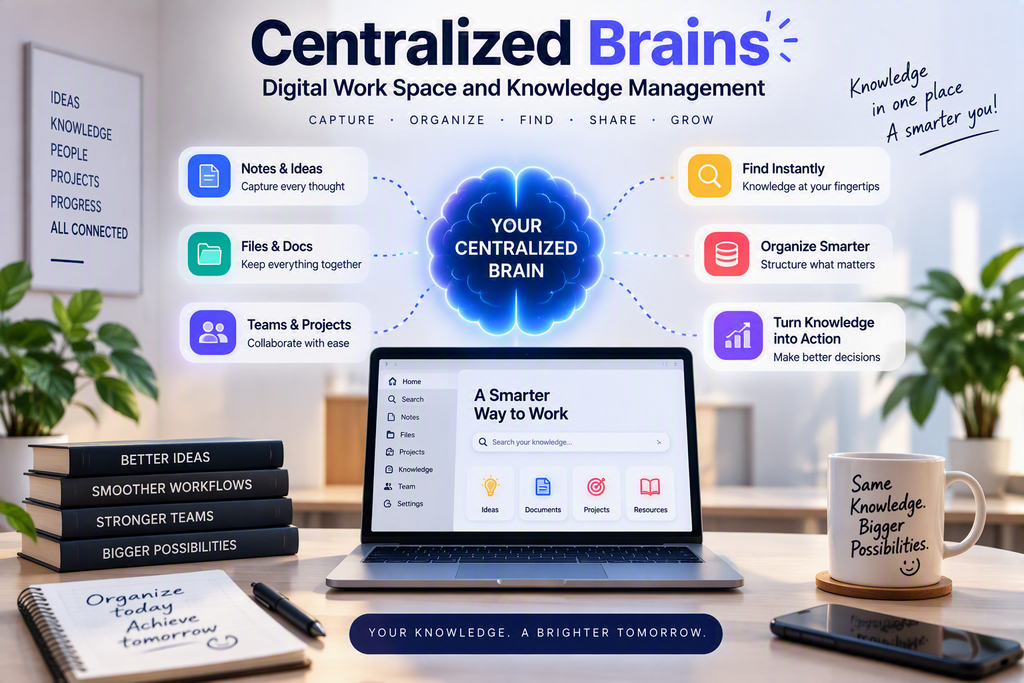
Context switching—constantly toggling between files, notes, and messages—kills productivity. A second brain application organizes your projects, thoughts, and documentation in a single searchable space.
Notion: The ultimate all-in-one workspace for notes, task boards, wikis, and databases.
Obsidian: Perfect for deep thinkers who prefer offline, linked text notes for complex knowledge mapping.
Craft: A visually stunning document editor ideal for creating polished client-facing docs and internal reports quickly.
3. Asynchronous Communication: Stop Having Meetings That Could Be Emails
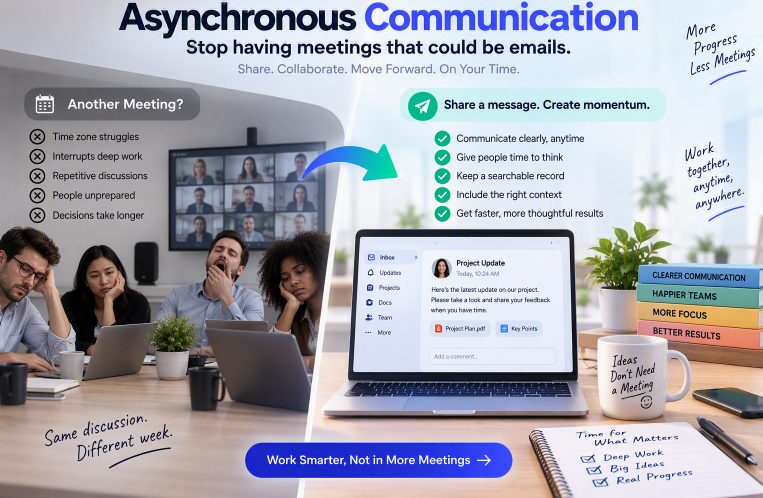
Real-time meetings are one of the biggest drains on professional energy. Asynchronous tools allow you to communicate clearly without forcing everyone into a live call.
- Loom: Record quick screen-and-camera video updates to explain complex tasks, demonstrate software, or give feedback in minutes.
- Slack / Microsoft Teams: Establish clear channels and update statuses so colleagues know when you are in deep focus mode.
- Otter.ai / Fireflies.ai: Automatically transcribe and summarize live meetings so you can skip non-essential calls and catch up later.
4. Automation & Task Management: Put Routine on Autopilot
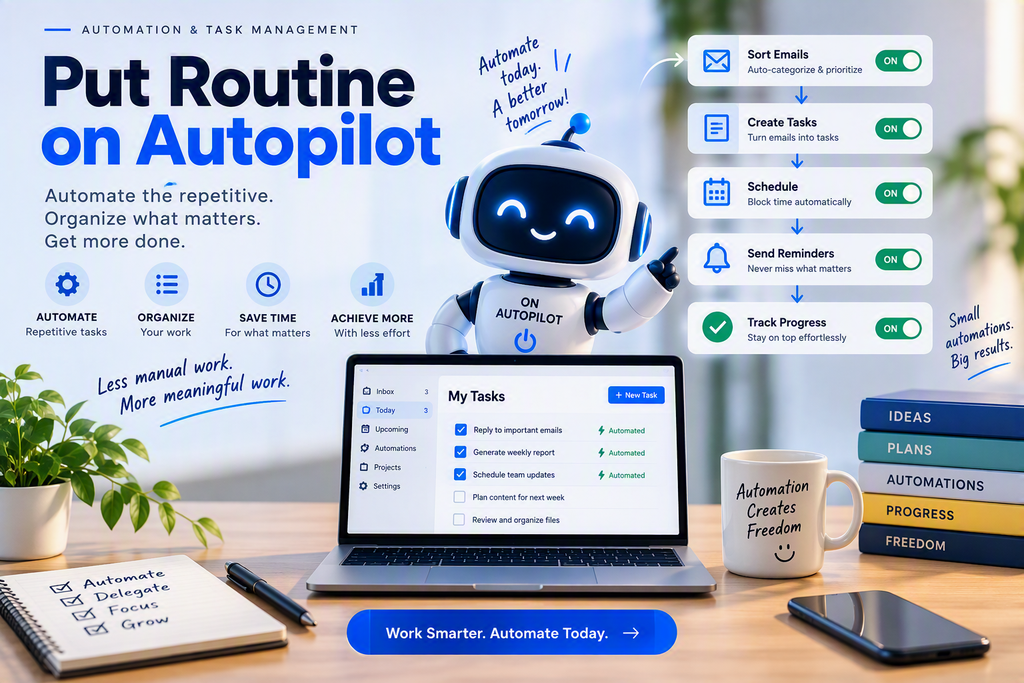
If you do a task manually more than three times a week, you should automate it. Bridging the gap between your tools saves hours of copy-pasting data.
| Tool | Primary Function | Best Used For |
| Zapier | App Integration | Connecting tools (e.g., automatically saving email attachments to Cloud storage). |
| Make | Visual Workflow Automation | Complex, multi-step logic workflows across technical platforms. |
| Todoist | Smart Task Management | Capturing personal to-dos instantly using natural language processing. |
5. Focus & Time Defense Tools
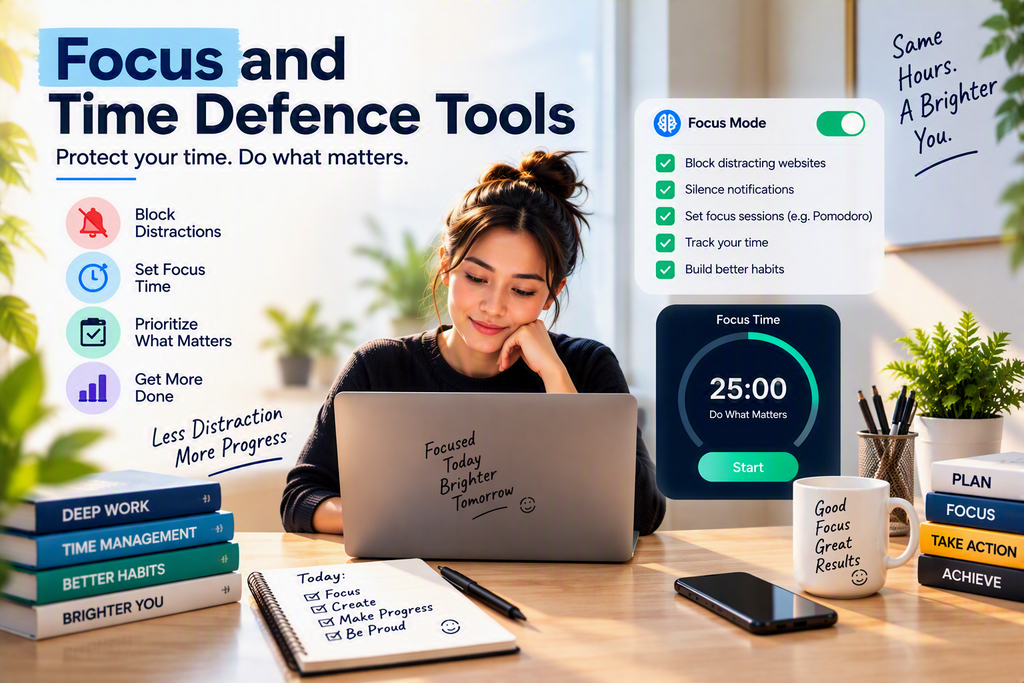
Having the right tools means nothing if you don’t protect your attention span. Focus tools guard your schedule against constant distractions.
- Rize: An intelligent time-tracker that gives you insight into where your time goes and reminds you to take breaks to avoid burnout.
- One Sec: Forces a deep breath before opening distracting apps on your phone or desktop, breaking habit loops.
- Brain.fm: Scientifically designed background audio engineered to induce and sustain deep focus states.
Final Thoughts: Start Small
You don’t need to adopt all these tools overnight. Introducing too much software at once can create its own friction.
Pick one bottleneck in your day—whether it’s writing emails, taking meeting notes, or managing your schedule—and introduce one tool from this list to fix it. Master it, integrate it, and then build out the rest of your ultimate modern tech toolkit.