
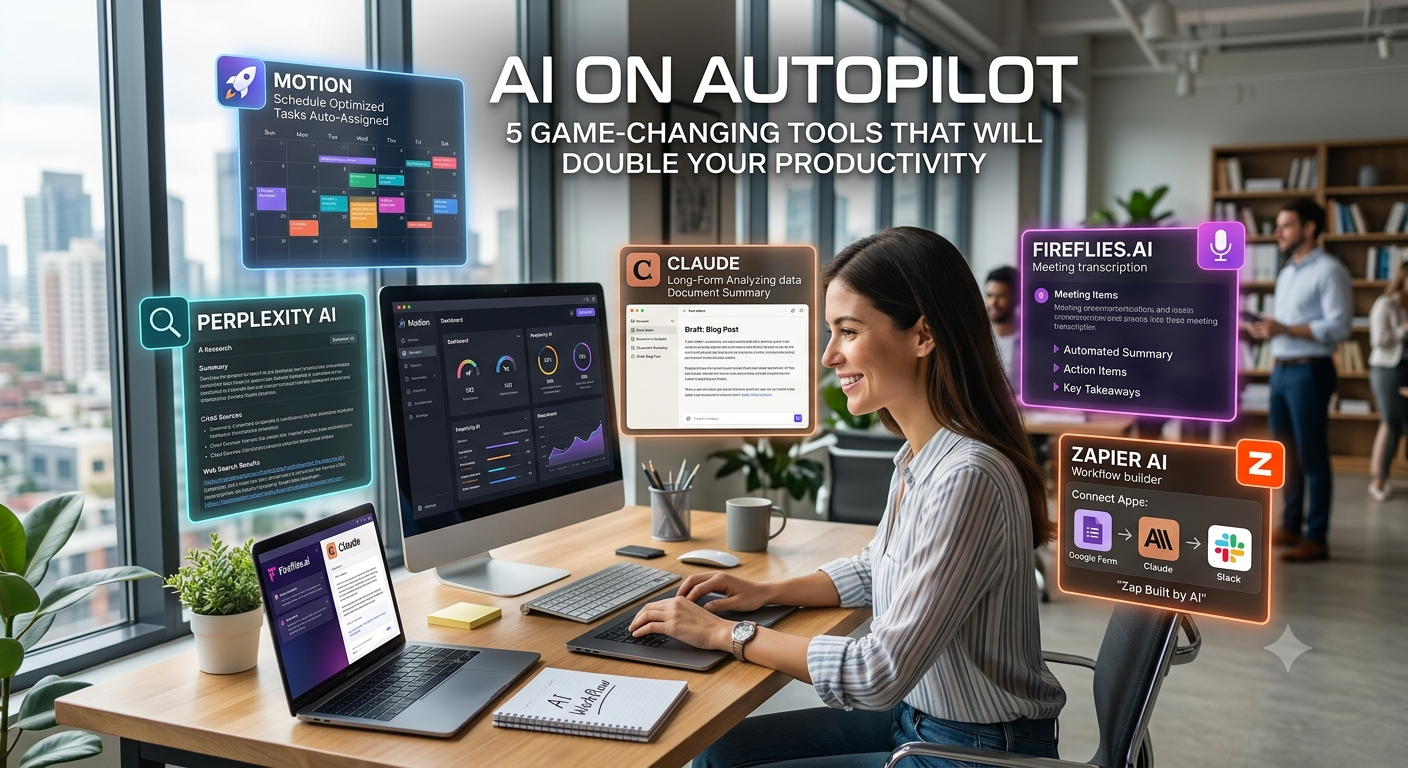
We live in an age where time is our most valuable asset, yet most of us spend hours every day drowning in busywork. Between managing calendars, taking meeting notes, researching, writing emails, and organizing tasks, deep focus often takes a backseat.
What if you could hand over the tedious, repetitive parts of your day to intelligent automation?
The promise of AI is no longer just answering simple questions—it is running on autopilot to handle multi-step workflows while you focus on high-impact work.
Here are 5 game-changing AI productivity tools that will automate your day-to-day operations and effectively double your daily output.
1. Motion: The Self-Optimizing Smart Calendar
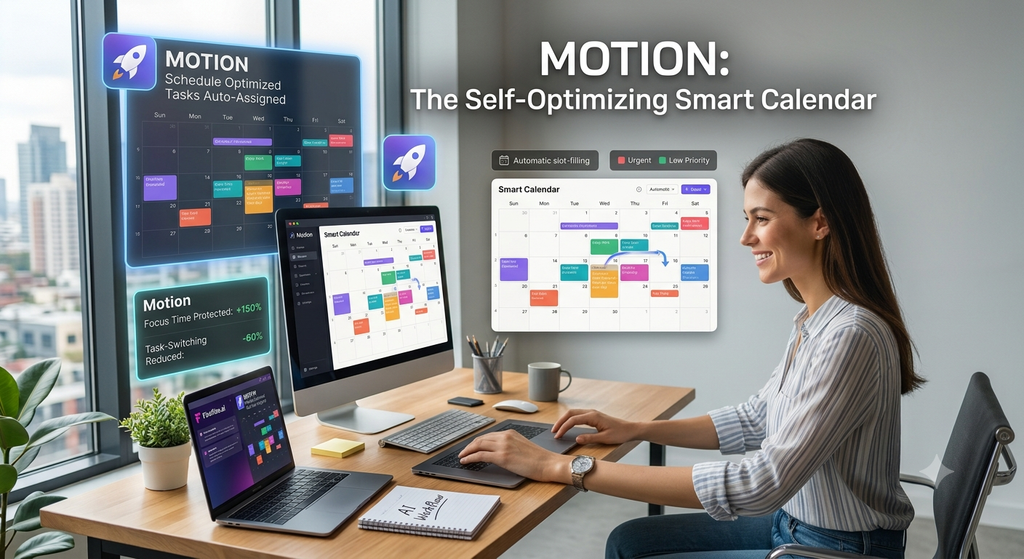
If you spend too much time organizing your to-do list or rearranging your calendar when unexpected meetings pop up, Motion is your ultimate solution.
How It Works
Motion acts as an executive assistant that builds your ideal daily schedule using AI algorithms. Instead of manually blocking time, you simply input your tasks, deadlines, estimated effort, and working hours. Motion’s engine automatically inserts those tasks into your calendar’s open slots.
Key Features
- Dynamic Rescheduling: If an urgent call gets added to your day, Motion instantly reshuffles your remaining tasks to meet all your deadlines without manual tweaking.
- Focus-Time Protection: Shields long stretches of uninterrupted deep work to prevent burnout.
- Unified Workspace: Combines your calendar, project management tasks, and meeting scheduler into a single interface.
Productivity Boost: Saves 1 to 2 hours per day previously lost to manual scheduling and decision fatigue.
2. Perplexity AI: The Hyper-Efficient Research Engine
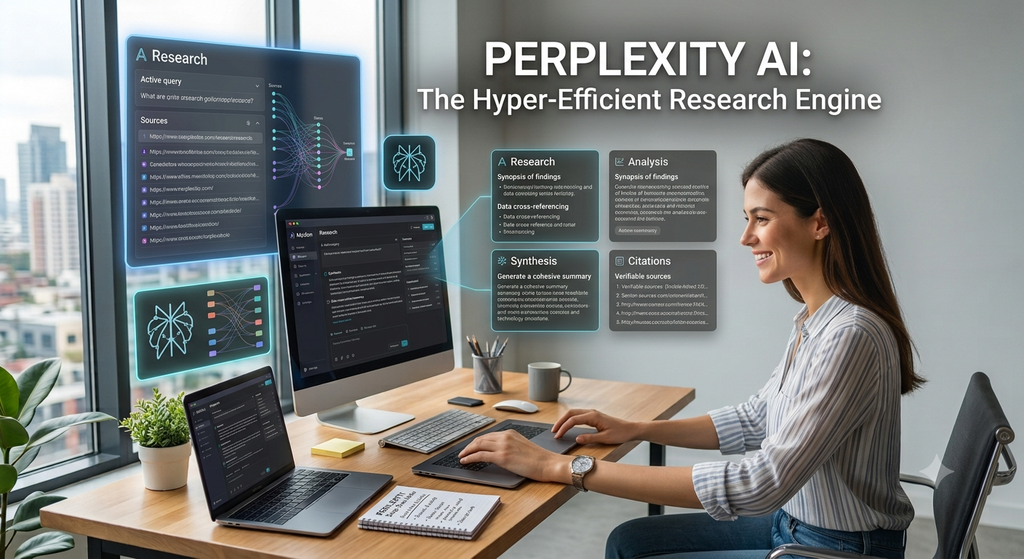
Traditional search engines often force you to wade through pages of SEO-bloated articles and ads to find a single, accurate answer. Perplexity AI cuts through the noise.
How It Works
Perplexity acts as a live, answer-engine hybrid. Powered by real-time web access, it searches dozens of sources across the web, synthesizes the information into a clear summary, and provides direct citations for every claim.
Key Features
- Deep Research Mode: Executes multi-step queries automatically, scanning over 40+ sources to build comprehensive market research reports in minutes.
- Inline Citations: Provides verifiable sources, making it safe for professional and academic research.
- Thread Focus: Allows you to filter searches specifically by academic papers, YouTube transcripts, or discussions.
Productivity Boost: Reduces research and information-gathering time by up to 70%.
3. Claude (by Anthropic): The Long-Form Analysis Powerhouse

When it comes to processing massive documents, analyzing complex spreadsheets, or drafting polished, nuance-rich communications, Claude stands out as an elite assistant.
How It Works
Claude features massive context windows capable of processing hundreds of pages of text in a single prompt. You can upload entire PDFs, technical documents, or brand style guides, and Claude will analyze, extract, or rewrite the content based on your parameters.
Key Features
- Artifacts Workspace: Generates documents, visual layouts, and code snippets in a separate side-by-side workspace for real-time editing.
- Human-Like Writing Tone: Delivers more natural, structured, and less formulaic writing compared to basic AI generators.
- Deep PDF & File Analysis: Summarizes lengthy contracts, reports, or data sheets with incredible precision.
Productivity Boost: Turns hours of reading and document drafting into a 5-minute task.
4. Fireflies.ai: Your Hands-Free Meeting Copilot
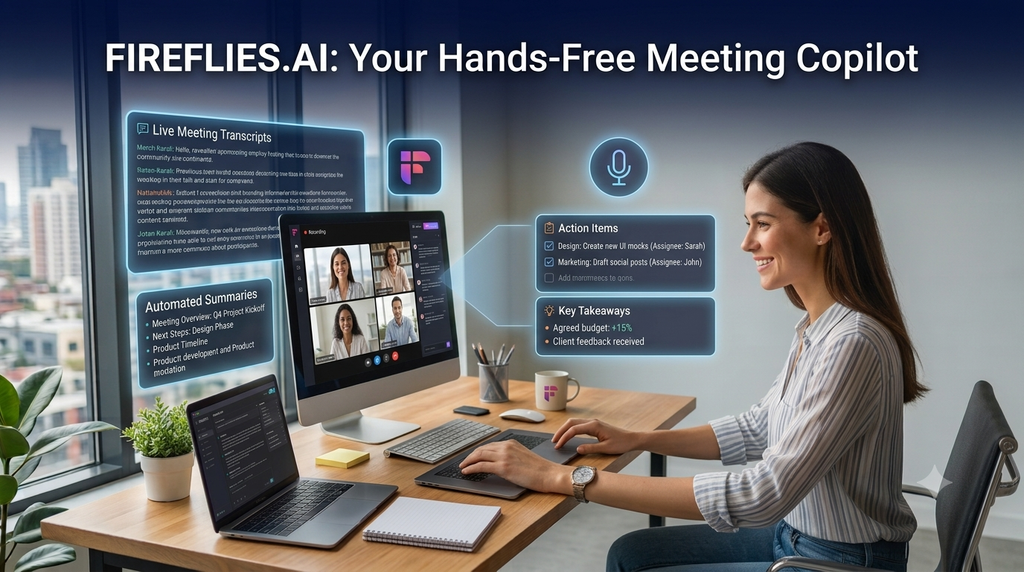
Taking notes during a meeting distracts you from actively participating in the conversation. Fireflies.ai automates meeting capture across Zoom, Google Meet, and Microsoft Teams.
How It Works
Fireflies automatically joins your scheduled calls, transcribes the conversation in real time, and uses AI to generate structured summaries, action items, and key takeaways.
Key Features
- Automated Action Items: Identifies tasks assigned to specific team members during the call.
- Smart Search: Allows you to search transcripts by key phrases, action items, or sentiment.
- CRM Integration: Automatically pushes meeting notes and updates directly into platforms like Hubspot or Salesforce.
Productivity Boost: Reclaims 3 to 5 hours a week spent writing notes and catching up on missed calls.
5. Zapier AI (Copilot & Agents): The Invisible Workflow Connective Tissue

Having great tools is helpful, but context-switching between them wastes time. Zapier AI connects your tech stack into a fully automated pipeline.
How It Works
Zapier connects thousands of web applications without requiring a single line of code. With its new AI Copilot, you simply describe the workflow you want in plain English, and the platform builds the automated pipeline for you.
Key Features
- Natural Language Builder: Tell Zapier, “When a lead fills out a Google Form, draft a response using AI and notify my team in Slack,” and it builds the entire process instantly.
- Autonomous AI Agents: Builds multi-step AI tasks that operate across different software platforms in the background.
- 9,000+ App Integrations: Links seamlessly with your favorite tools like Gmail, Slack, Notion, and Google Sheets.
Productivity Boost: Eliminates hundreds of manual, repetitive micro-tasks every single week.
Summary Comparison
| Tool | Core Focus | Best For |
| Motion | Time Management | Auto-scheduling tasks & protecting focus time |
| Perplexity AI | Research | Quick, cited answers & deep web search |
| Claude | Document Analysis & Writing | Analyzing long texts & drafting polished content |
| Fireflies.ai | Meetings | Automated transcription & call summaries |
| Zapier AI | Workflow Automation | Connecting apps and automating cross-platform tasks |
How to Get Started today
Transitioning to an AI-first workflow doesn’t require adopting every single tool at once. To avoid overwhelm:
- Identify your biggest bottleneck: Is it calendar management, long meetings, or manual research?
- Pick ONE tool from this list that addresses that specific pain point.
- Set up the automation and use it consistently for one week.
- Once comfortable, introduce the next tool into your workflow.
By placing these tasks on autopilot, you can free up your schedule to focus on strategy, creative thinking, and the high-value work that actually moves the needle.