
technology & digital life
In today’s fast-paced digital world, keeping up with the sheer volume of daily tasks can feel like an uphill battle. Whether you are managing a growing website, balancing studies, or juggling remote projects, time is your most precious asset.
Enter the era of AI automation. Artificial intelligence is no longer just a futuristic concept; it is the ultimate equalizer for modern professionals, creators, and students. But with thousands of tools launching every week, where do you even begin?
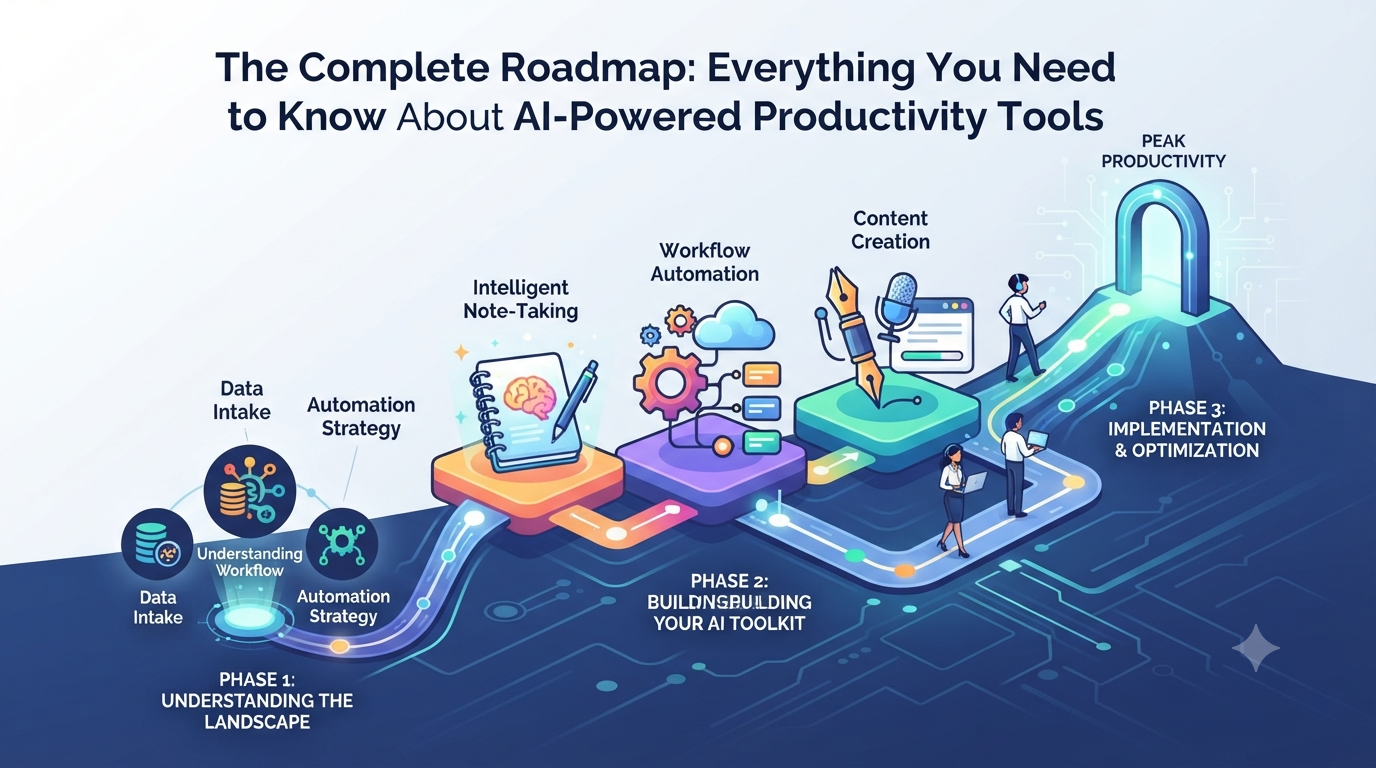
This comprehensive roadmap breaks down everything you need to know to transform your workflow, leverage automation, and reclaim your time.
Phase 1: Understanding the AI Productivity Landscape
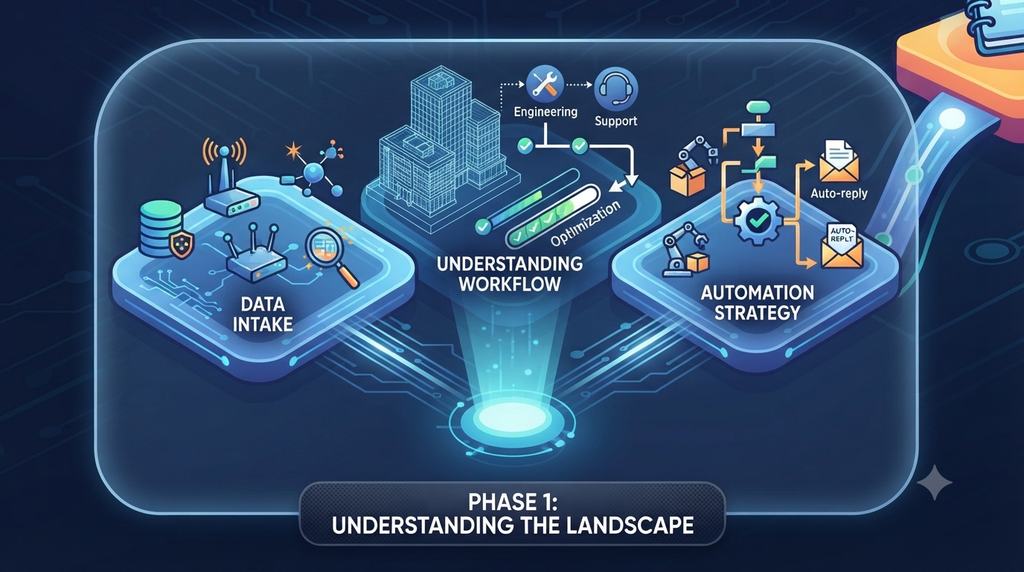
Before diving into specific software, you need to understand how AI fits into your daily routine. Think of AI not as a replacement for your effort, but as a digital co-pilot.
- Task Automation vs. Augmentation: Learn which repetitive tasks (like data entry, scheduling, and formatting) can be fully automated, and which creative tasks (like strategy and writing) are best augmented.
- The Cloud Connection: Modern AI tools thrive in cloud ecosystems. Centralizing your files and notes makes it easier for AI assistants to index, summarize, and retrieve information instantly.
- Shifting from Reactive to Proactive: Stop spending your day putting out fires. The goal of an AI-driven toolkit is to build systems that run smoothly in the background.
Phase 2: Building Your Core AI Toolkit
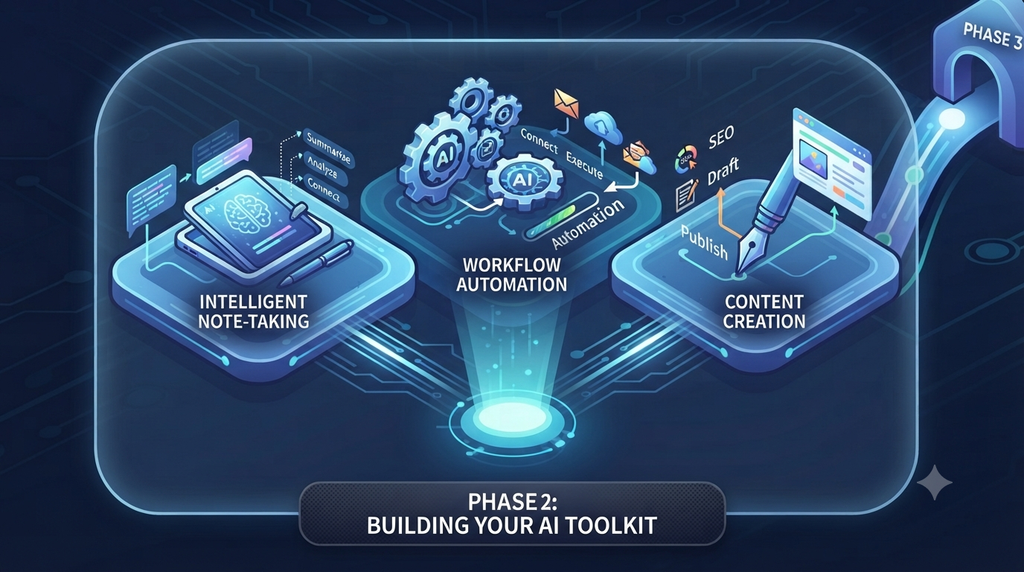
To build a streamlined digital life, you don’t need fifty different apps—you just need the right ones integrated seamlessly. Here are the core pillars every modern professional needs:
1. Intelligent Note-Taking and Knowledge Management
Tools like Notion AI or Obsidian integrated with smart plugins act as your second brain. They automatically organize your thoughts, summarize long research articles, and connect disparate ideas.
2. Workflow and Task Automation
Platforms like Make.com or Zapier allow you to connect your favorite apps without writing a single line of code. Imagine automatically turning an email attachment into a Trello task, saving it to Google Drive, and notifying you on Slack—all in seconds.
3. Content Creation and Curation
Whether you run a blog or manage digital campaigns, AI writing and editing assistants help you break through writer’s block, generate SEO outlines, and polish drafts at twice your usual speed.
Phase 3: Step-by-Step Implementation Strategy
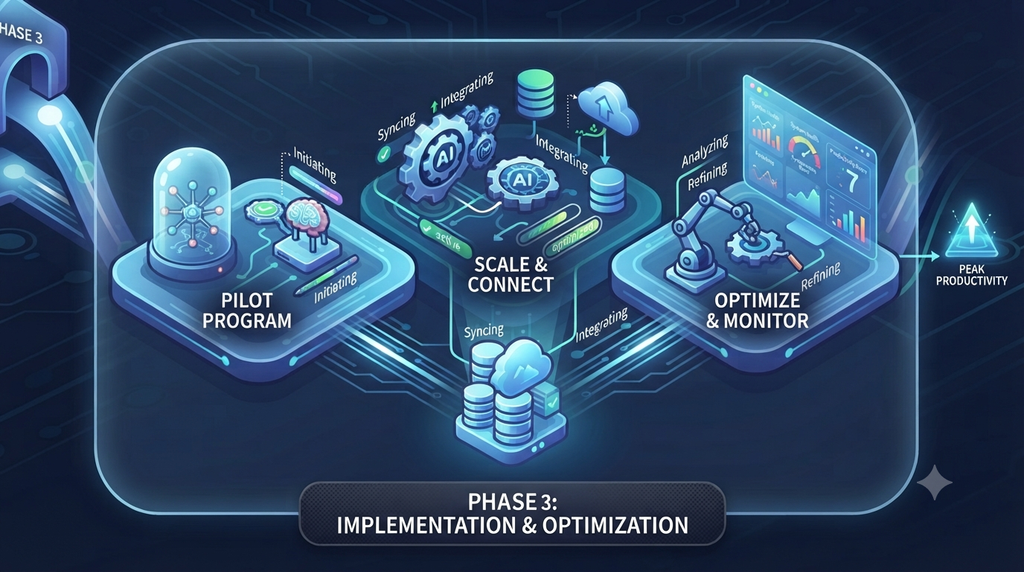
Implementing new technology can be overwhelming if you try to change everything at once. Follow this phased approach to avoid burnout:
- Step 1: Audit Your Week. Track where you spend most of your time for three days. Identify repetitive, low-impact tasks that drain your energy.
- Step 2: Pick One Tool. Don’t try to adopt five tools at once. Choose one area—like meeting summaries or email automation—and master it for a week.
- Step 3: Build a Habit. Integrate the tool into your daily checklist until using it becomes second nature.
- Step 4: Scale and Connect. Once your first workflow is running smoothly, link it to another tool to create a multi-step automated pipeline.
Common Pitfalls to Avoid
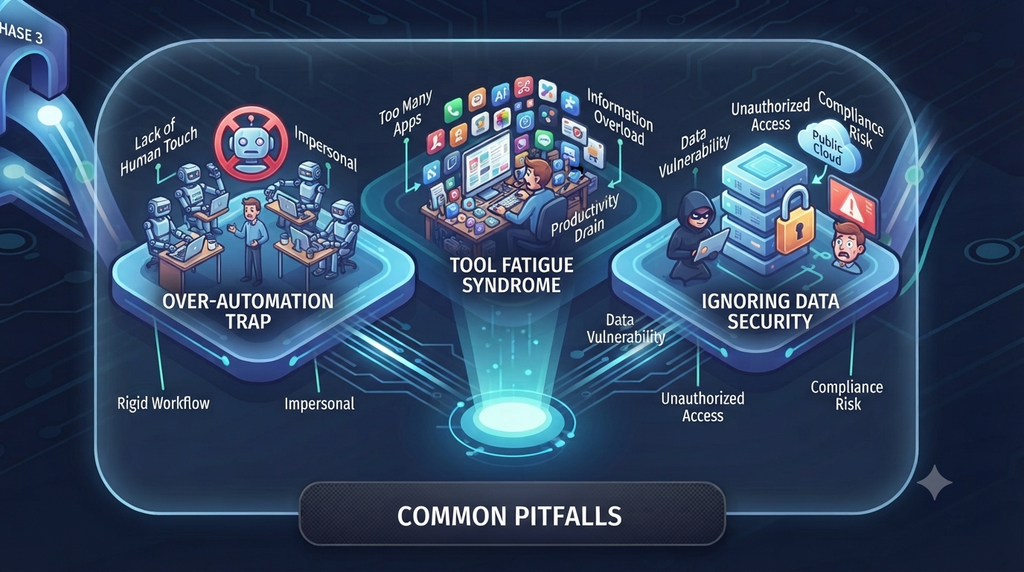
While AI is powerful, it is easy to fall into traps that actually hurt your productivity:
Pro Tip: Avoid “Tool Fatigue.” More apps do not equal more productivity. If a tool doesn’t save you at least two hours a week or significantly reduce your mental load, cut it from your stack.
- Over-Automation: Never automate client communication or relationship-building to the point where it feels robotic and impersonal. Keep the human touch where it matters most.
- Ignoring Data Security: Be mindful of what sensitive personal or business data you feed into public AI models.
Conclusion: Your Next Steps
Mastering digital productivity is a journey, not a destination. By starting small, focusing on high-impact workflows, and continuously refining your tech stack, you can work smarter—not harder.
What is the one task in your daily routine you wish you could automate today? Let’s discuss in the comments below!