

Every professional eventually hits a wall where their productivity tools feel like part of the problem instead of the solution. When your daily workflow involves juggling five different apps, tracking tasks in three separate places, and losing important files in endless chat threads, it is time for an upgrade.
Finding the right digital toolkit isn’t about collecting the shiny new apps—it’s about choosing tools that map to how you actually think and work.
1. Notion: The Flexible All-in-One Hub

Best For: Knowledge workers, creators, and teams needing docs, wikis, and databases in one canvas.
- Why It Wins: Notion eliminates the gap between taking notes and tracking projects. You can outline an article, convert ideas into task boards, and embed dynamic databases on a single page.
- The Drawback: Setup tax. Because it starts as a blank canvas, you can easily spend more time customizing templates than doing actual deep work.
- Who Belongs Here: System builders who love organizing structured information and want a single source of truth for their projects.
2. ClickUp: The Heavy-Duty Operations Center
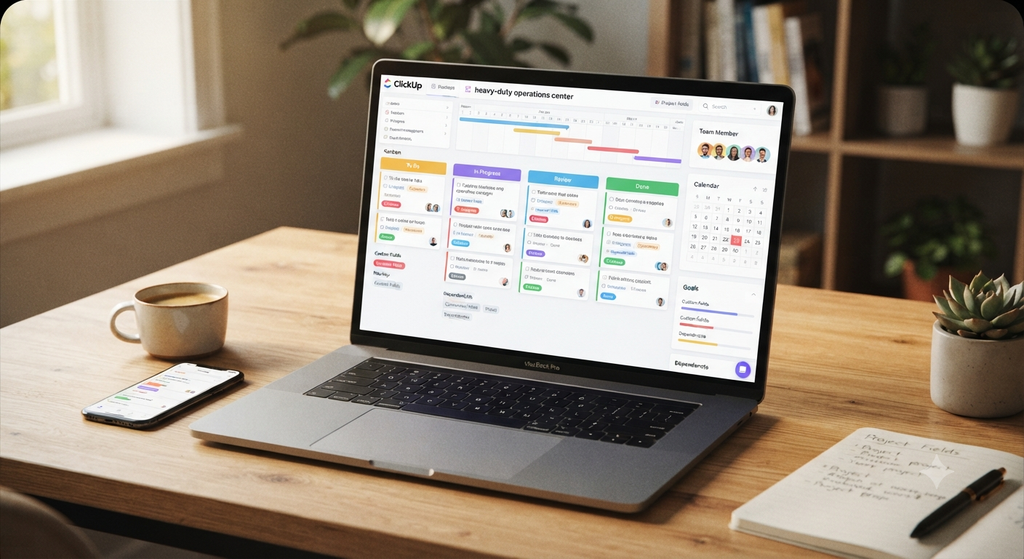
Best For: Fast-growing teams and project managers who need deep customization and granular task tracking.
- Why It Wins: ClickUp promises to replace multiple apps by combining tasks, documents, dashboards, time tracking, and automation into one platform. Its multi-view setup (Kanban, Gantt, list, and calendar) fits complex, cross-functional projects seamlessly.
- The Drawback: Feature clutter. The sheer volume of toggles, views, and settings can create a steep learning curve for solo users.
- Who Belongs Here: Process-heavy teams and agencies handling multi-step deliverables with strict dependencies.
3. Todoist: The Lightning-Fast Task Capture
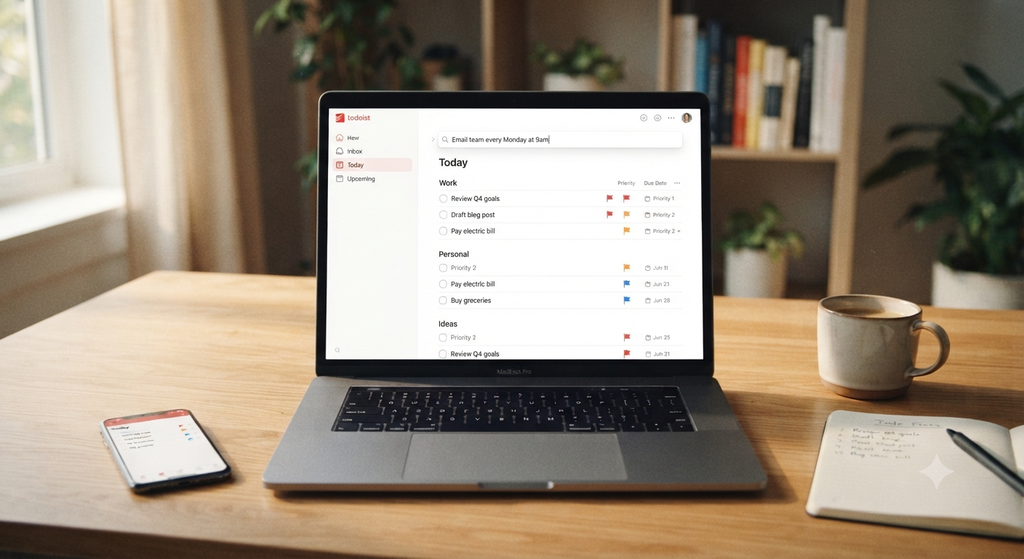
Best For: Minimalists, freelancers, and individuals who want fast daily execution without administrative overhead.
- Why It Wins: Speed. With natural language processing, typing “Send weekly report every Friday at 10am” instantly schedules the recurring task. It gets out of your way so you can focus on doing the work.
- The Drawback: Limited doc storage and high-level project analytics.
- Who Belongs Here: Anyone whose main friction point is getting tasks out of their head and onto a clear, actionable list immediately.
4. Motion: The AI-Powered Daily Planner
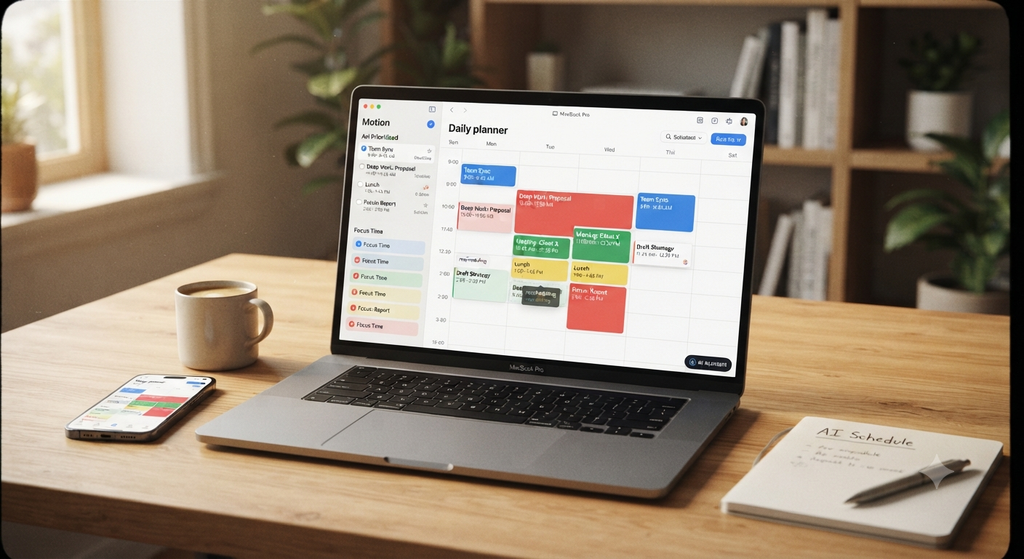
Best For: Busy professionals with back-to-back meetings and shifting deadlines.
- Why It Wins: Motion uses AI to build and recalculate your daily schedule automatically. When an urgent request pops up or a meeting runs long, Motion reshuffles your remaining tasks based on priority and hard deadlines without manual rescheduling.
- The Drawback: Higher price point and less control over manual time-blocking preferences.
- Who Belongs Here: Executive-level schedules where manual calendar management takes up valuable mental bandwidth.
Direct Comparison
| App | Core Strength | Setup Time | Ideal User |
| Notion | Custom workspaces & docs | High | Content creators & knowledge teams |
| ClickUp | Operations & multi-view tasks | Medium-High | Agencies & project managers |
| Todoist | Frictionless natural language capture | Low | Freelancers & fast task completionists |
| Motion | AI calendar auto-scheduling | Low | Time-blocked schedules & busy leaders |
How to Choose Your Winner
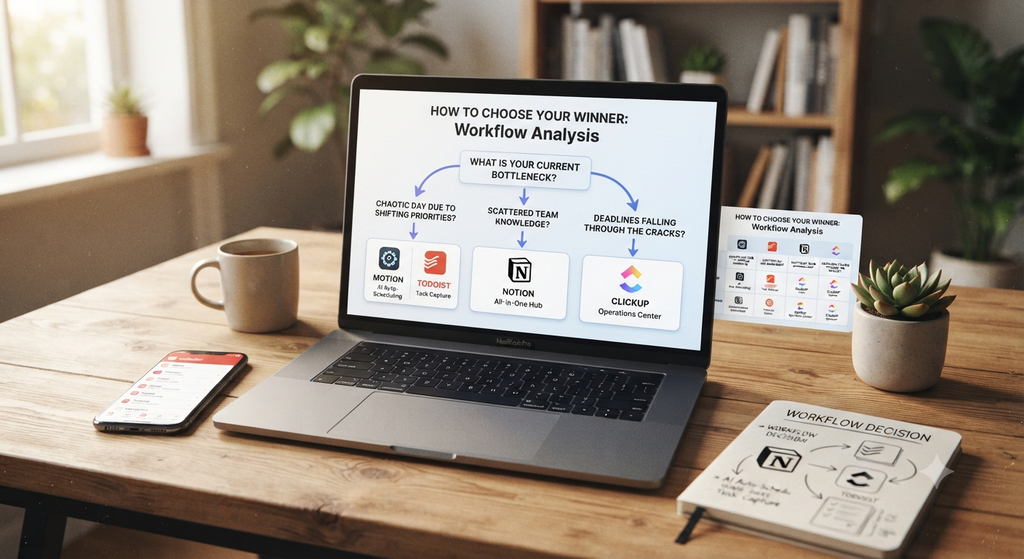
Before committing to a new subscription or spending hours transferring files, evaluate your current workflow bottleneck:
- If your day is chaotic due to shifting priorities: Start with Motion or pair Todoist with a calendar blocking strategy.
- If your team’s knowledge is scattered across random links: Build a centralized hub in Notion.
- If deadlines fall through the cracks across departments: Consolidate your operations inside ClickUp.
The best productivity software isn’t the one with the most features—it’s the one you actually open and use every single day.